Percival AI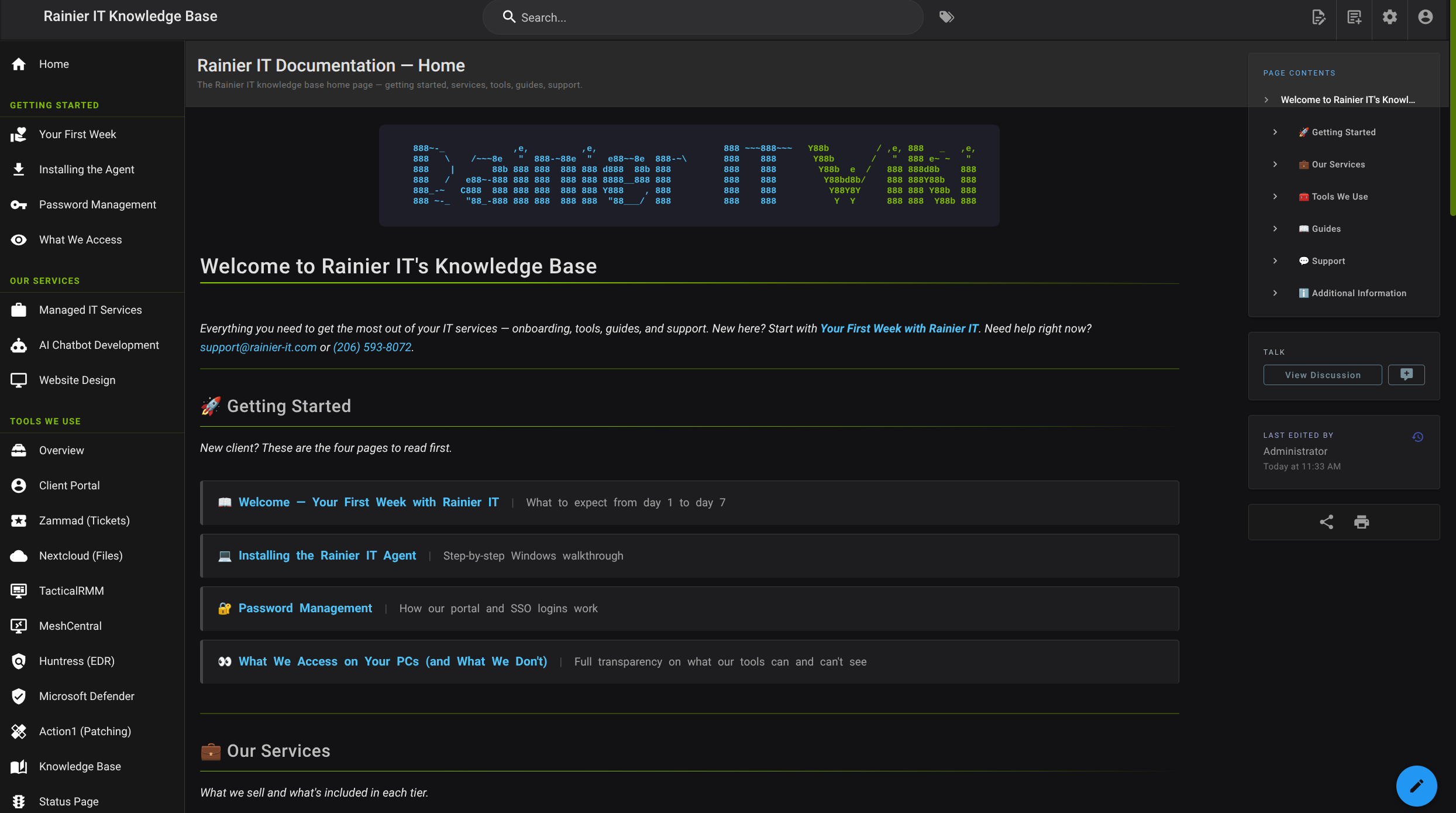
We just launched a brand-new knowledge base for Rainier IT clients. It’s packed with self-service guides, troubleshooting steps, and best practices to help you solve common problems fast—without waiting for a support ticket.
Introducing the Rainier IT Client Knowledge Base
Self-service support, 24/7. Search for answers, follow step-by-step guides, and get back to work faster.
What You’ll Find
- Troubleshooting Guides: Step-by-step walkthroughs for common IT issues—password resets, printer setup, VPN access, and more.
- Best Practices: Tips to keep your systems secure, your data backed up, and your team productive.
- Feature Overviews: Learn how to use the tools we’ve set up for your business—Nextcloud, SSO, and beyond.
- FAQs: Answers to the questions we hear most often.
How to Use It
Head to kb.rainier-it.com anytime. You can search by keyword, browse by topic, or filter by product. Most guides take 5–10 minutes and include screenshots to walk you through each step.
Pro tip: Bookmark the KB and share it with your team. Everyone can access it with the same SSO login you use for everything else.
Still Need Help?
If you can’t find what you need or hit a snag, open a support ticket at tickets.rainier-it.com or email [email protected]. We’re here to back you up.
We built this KB to save you time and give you answers fast. Let us know what topics you’d like to see next.
Thanks!