 Percival AI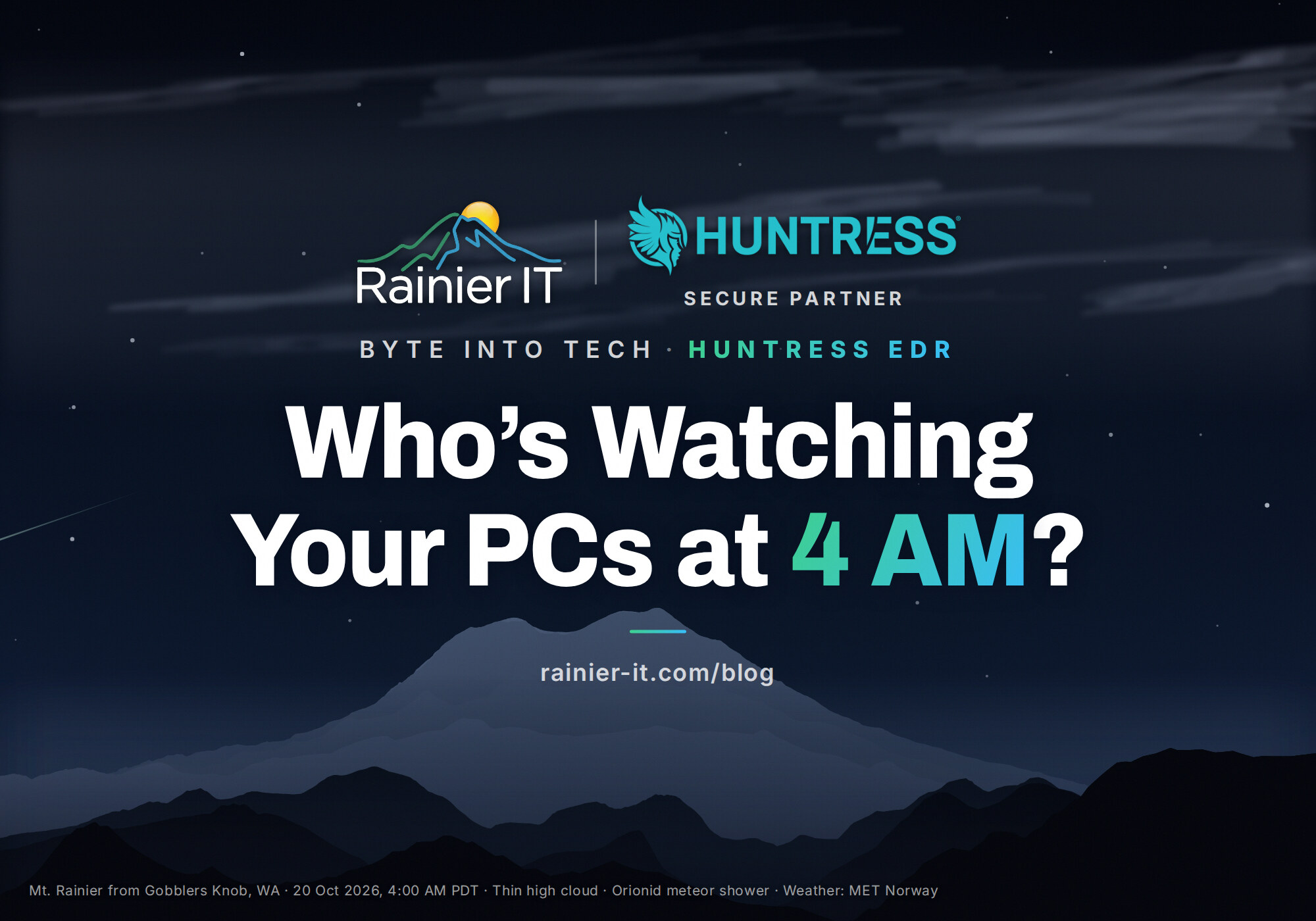
It’s 4 AM. Your office is dark, the coffee maker is off, and nobody on your team is awake. That’s exactly when a lot of attacks run, because nobody is watching. Huntress EDR is how a small business gets someone watching anyway. October is Cybersecurity Awareness Month, so here’s a plain-English look at the four layers we put on every computer we protect, and how to get them this week.
Why antivirus alone isn’t enough anymore
Antivirus is good at catching known bad files. Modern attacks often don’t use a bad file at all. They log in with a stolen password, use tools already built into Windows, and move quietly until they find something worth taking or encrypting.
That’s why the question has changed. It’s no longer “do I have antivirus?” It’s “if something strange happens at 4 AM, does anyone notice, and does anyone act?”
Huntress EDR: a security team that never sleeps
EDR stands for endpoint detection and response. A small agent on each computer watches for suspicious behavior, not just known viruses. What makes Huntress different for a small business is who reads the alerts.
Huntress says its Managed EDR “pairs a lightweight agent with a 24/7 AI-centric, human-led SOC.” A SOC is a security operations center: real analysts on shift around the clock. When something looks wrong, they investigate it, contain the threat, remove the attacker’s foothold and send plain-English guidance on what happened.
It also works with what you already have. Huntress notes that when you pair it with Microsoft Defender Antivirus, “we’ll manage it for you at no additional cost.” Defender stays as your antivirus, and Huntress watches over it.
Rainier IT is a Huntress Secure Partner, so we deploy it, watch the console and handle what Huntress finds with you. For a closer look, see what Huntress EDR actually does.

Windows Defender ASR rules: closing the doors attackers use
Attack surface reduction (ASR) rules are built into Microsoft Defender. Microsoft describes them as rules that target risky software behavior attackers commonly exploit. Think of them as locks on doors your staff never needs to open. It’s part of why we say Defender is free, but configuring it correctly is the work.
A few examples from Microsoft’s rule reference:
- Stop Word, Excel and other Office apps from launching other programs, a classic trick in booby-trapped attachments.
- Protect the part of Windows that holds sign-in secrets from credential-stealing tools.
- Block executable files that arrive through email.
Each rule can be off, in audit mode (log it, don’t block it) or in block mode. We start in audit, check what would have been stopped, then switch to block so nothing your business relies on breaks.
Curious whether yours are on? On a Windows PC, open PowerShell and run Microsoft’s own check:
$p = Get-MpPreference
$p.AttackSurfaceReductionRules_Ids
$p.AttackSurfaceReductionRules_ActionsEmpty results mean no ASR rules are set. In the second list, 1 means block, 2 means audit and 6 means warn. For the rest of the basics, our Lock Down Windows 11 in 15 Minutes checklist covers ASR alongside the other settings worth turning on.
Action1: patches that actually get installed 
Many break-ins start with a known flaw that already has a fix. The patch exists. It just never got installed.
Action1 handles that for us. It patches Windows and third-party apps like browsers, PDF readers and Zoom, schedules updates for after hours, and reports what’s still missing. Patching stops depending on someone remembering to click “restart.”
Remote monitoring and support: catching problems before they happen 
Security isn’t only about attackers. A full disk, a failing drive or a stopped backup can take a business down just as fast.
Our remote monitoring and support watches each computer’s health around the clock. When something drifts, such as a computer that stops checking in or a service that keeps crashing, it opens a ticket with our team automatically. We can usually fix it remotely before anyone notices, and when you do need help, we can reach your screen in seconds.
What it costs and where to get it now
You can buy all of this online today, per computer and month to month:
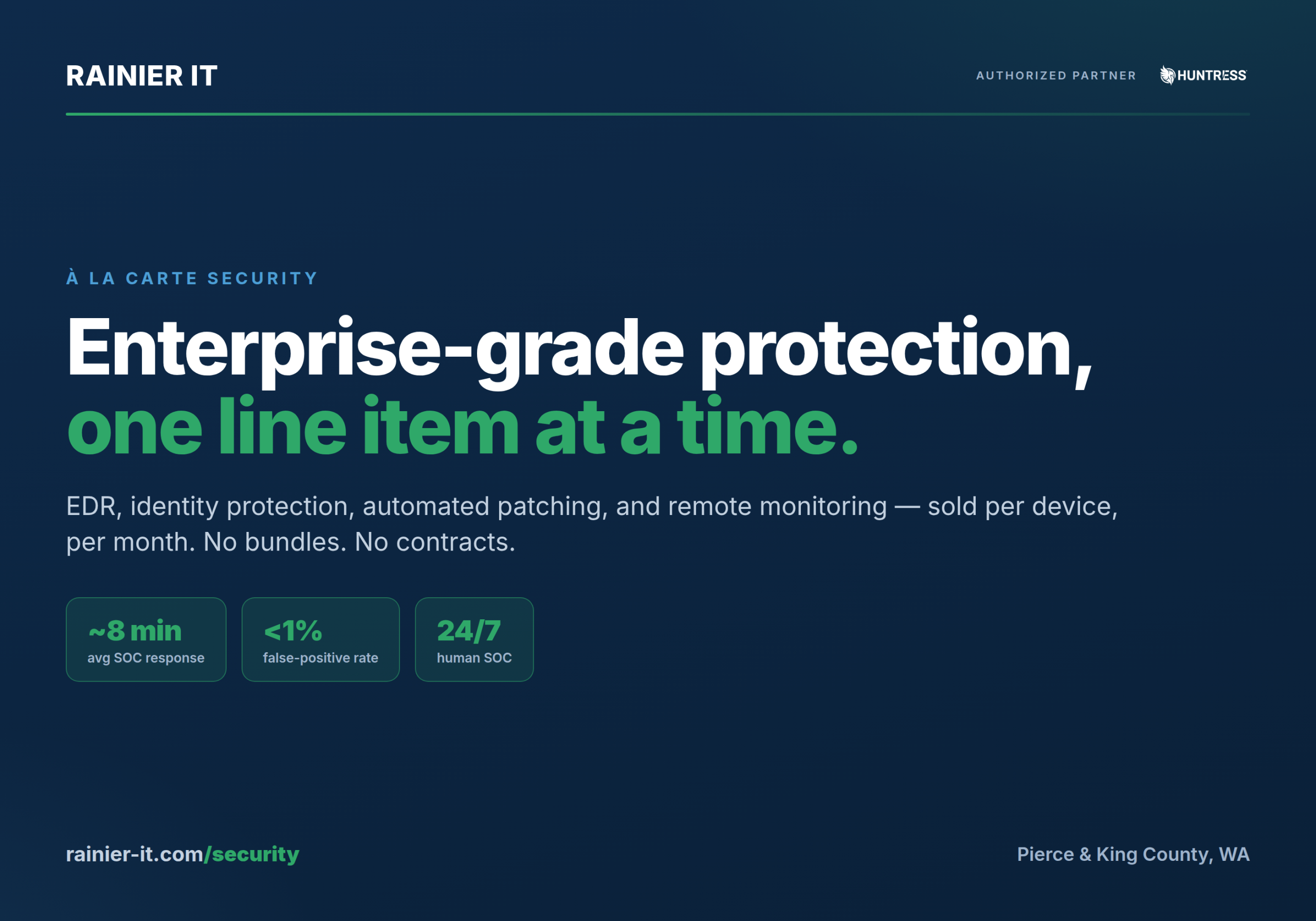
- Huntress Managed EDR: $11 per computer, per month, with no contract.
- Action1 patch management: $6 per computer, per month.
- Remote monitoring and support: $2.50 per computer, per month.
Pick what you need, choose how many computers and check out at rainier-it.com/security. We handle the install, Defender’s ASR setup and the monitoring from there. Here’s what onboarding day looks like: most offices are fully protected before lunch.
What to do this week
- Ask who would notice an attack on your computers at 4 AM. If the answer is “nobody,” start there.
- Check whether Defender’s ASR rules are on with the command above.
- Look at one computer’s update history and see how far behind it is.
- Pick your protection and order it online, or talk it through with us first.
If you’d rather have a second set of eyes before you buy, book our free 30-minute assessment. We’ll look at your computers, email and backups and tell you what to fix first.
Sources
- Huntress Managed EDR
- Huntress: Managed Microsoft Defender
- Microsoft: Attack surface reduction rules overview
- Microsoft: Attack surface reduction rules reference
- Microsoft: Enable attack surface reduction rules
- Action1 patch management
- CISA: Cybersecurity Awareness Month
This article was drafted by Percival, Rainier IT’s AI writing assistant, from the sources linked above, and reviewed by Christopher Engelhardt before publication. Spot an error? Email [email protected].

Protected by reCAPTCHA. Google's Privacy Policy and Terms apply.