 Christopher Engelhardt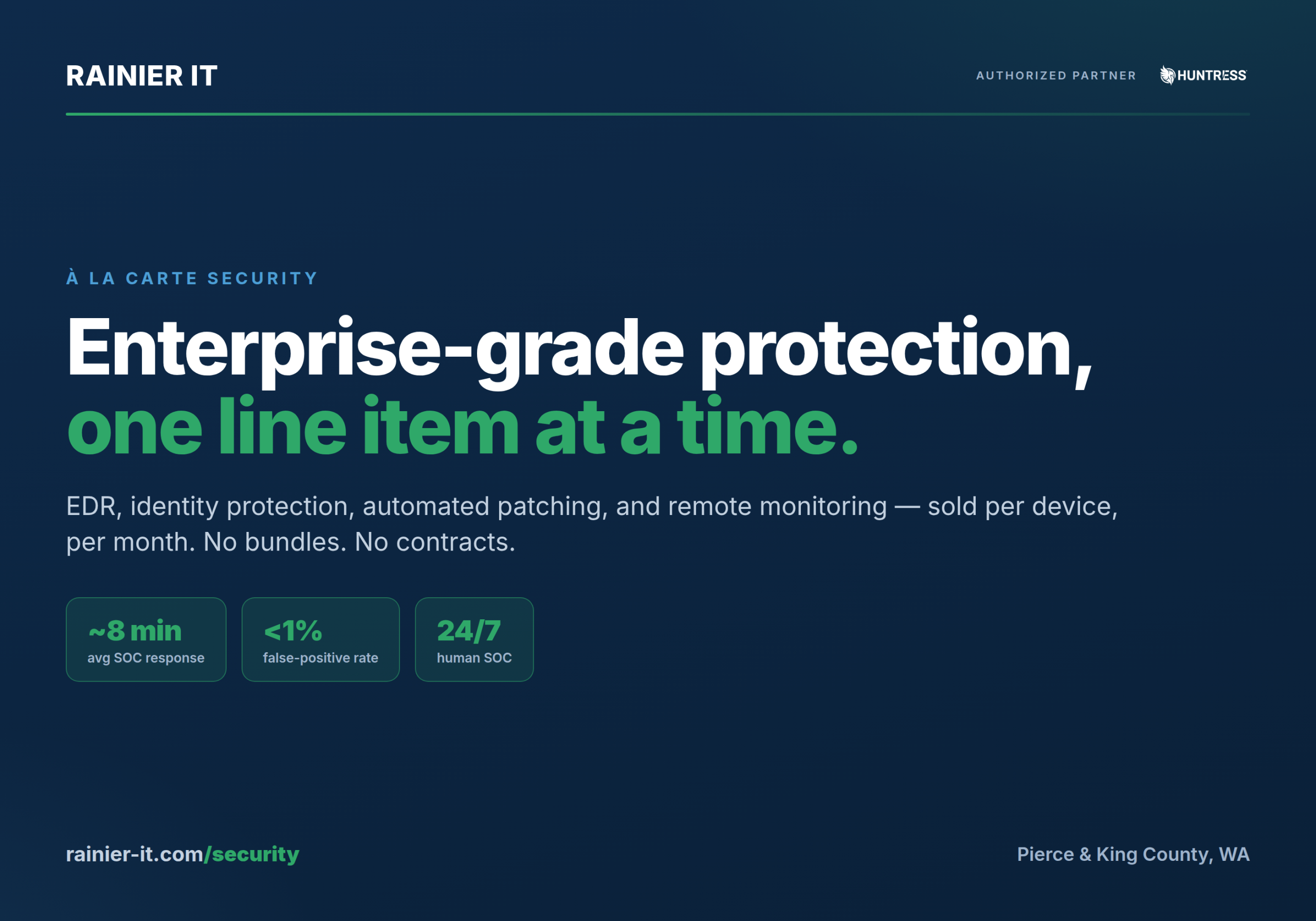
Most IT providers sell security the way cable companies sell TV: one big bundle, take it or leave it, signed for a year. If you only wanted three channels, tough — you’re paying for two hundred. We think that’s backwards. So we broke our managed-security stack into four products you can buy individually, priced per device, per month, with no contract and no minimum bundle.
It’s called À La Carte Security — the exact same EDR, identity protection, automated patching, and remote monitoring we run for our flat-rate managed clients, sold one line item at a time. Pick what you need, skip what you don’t, and cancel anytime. This post walks through what each product actually does, what it costs, and how to put a stack together.
Enterprise-grade security, one line item at a time. No bundles. No contracts. Cancel anytime.
How it works
Four steps, and only the last one is ongoing. There’s no on-site visit, no reimaging, and nothing to rip out if you change your mind.
- Configure. Pick your products and how many of each. Every product is priced on its own quantity — one product’s volume never changes another’s rate.
- Pay. Card on file, billed monthly. Your invoice tracks what’s actually installed — add a laptop mid-month and it shows up on the next cycle.
- Install. One installer with your products baked in. Run it on each machine — a few minutes each, no on-site visit, no reimaging.
- We watch. From there it’s a 24/7 SOC on your endpoints, patching on your schedule, and monitoring that flags problems before they become outages.
The installer is a single signed script that carries whichever products you bought. Run it as an administrator and it silently enrolls the machine — here’s what that looks like on a workstation:
# One installer, your products baked in — run as admin on each machine.
# EDR + patching + monitoring enroll silently. No reboot. No reimage.
PS C:\> .\Install-RainierAgents.ps1

[1/3] Huntress Managed EDR ......... installed  (agent checking in)
[2/3] Action1 Patch Management ..... installed  (enrolled: HQ-Workstations)
[3/3] Remote Monitoring & Support .. installed  (core services: OK)

Done. 3 products live in ~4 minutes. Nothing to configure on-site.1. Managed EDR — a 24/7 human SOC on every endpoint
Huntress Managed EDR isn’t just software. Behind the lightweight agent (Windows, macOS, and Linux) sits a 24/7/365 human Security Operations Center with an average response time of about 8 minutes — from the moment an alert is received to a verified incident report in your inbox or the alert closed as noise. The agent continuously hunts for the persistence footholds attackers use to survive reboots and stay hidden, and plants ransomware canary files on every protected endpoint, so the instant anything starts encrypting, a SOC investigation opens.
What you get
- Analysts review alerts before you ever see them. Huntress reports carry a false-positive rate under 1% — you act on signal, not noise.
- Human-validated isolation. On a confirmed threat, analysts can isolate a host — or the whole org — so it can only talk to Huntress. A human validates first, so a false positive never locks up your server.
- Remediation, not raw alerts. Every incident report arrives with step-by-step remediation, and we work it with you. You’re never handed an alert stream to triage alone.
- Microsoft Defender, managed. Huntress manages and monitors Defender — AV health, scan status, signature updates — across every protected endpoint at no extra charge.
| Metric | What it means |
|---|---|
| ~8 min | Average SOC response — alert received to report sent or alert closed |
| <1% | False-positive rate on incident reports — human-verified before you see them |
| ~4.5 million | Endpoints protected by the Huntress platform worldwide |
2. Managed ITDR — because attackers don’t break in, they log in
Modern business compromise increasingly starts with a Microsoft 365 account, not a machine — 67% of organizations report a rise in identity-related incidents over the past three years. Huntress Managed ITDR connects directly to your Microsoft 365 tenant — set up in minutes, no endpoint agent required — and puts the same 24/7 SOC behind every licensed identity, with a 3-minute average response time for identity threats. It works without expensive premium Microsoft licensing tiers.
What the SOC catches
- Session hijacking. Detects attackers who steal session tokens — the digital keys that keep users logged in — and import them into their own browsers. No password needed, which is exactly why passwords alone can’t catch it.
- Malicious inbox rules. Flags rules attackers plant to hide their tracks — auto-forwarding or deleting mail, watching for keywords like “invoice,” or shunting messages into folders nobody reads.
- Rogue OAuth apps. Catches malicious or abused OAuth applications granted access to your tenant — an attack vector Huntress measured more than doubling year over year in its 2026 threat report.
- Impossible travel & shady infrastructure. Spots logins from suspicious locations and unauthorized VPN or proxy infrastructure — and the SOC confirms real compromise before waking anyone up.
Concretely, here’s the kind of thing ITDR resolves for you before it ever reaches your inbox:
# Huntress ITDR — an example detection the SOC handles for you.
ALERT   Suspicious inbox rule created        tenant: acme.onmicrosoft.com
        user:   [email protected]
        rule:   move messages containing "invoice" -> RSS Feeds, mark read
        verdict: MALICIOUS (analyst-confirmed)      MTTR: 3 min
        action:  session revoked · rule removed · password reset forced
Set-up note: because ITDR is a direct tenant connection rather than an installed agent, it carries a one-time $195 setup fee per Microsoft 365 tenant — we establish the integration, grant admin consent as your Microsoft Cloud Solution Provider, enable the audit logging Huntress needs, and verify it’s healthy. The endpoint products have nothing to set up by hand, so they carry no setup fee.
3. Action1 Patch Management — every patch, every app, on your schedule
Unpatched software is an open door for opportunistic attacks. We run Action1 to automate Windows updates and third-party applications — browsers, Adobe, collaboration tools, and more — patched from a repository built and maintained by Action1’s own patch team, not a community feed.
- Risk-prioritized. Vulnerabilities are identified in real time and prioritized by CVSS score, CVE, and CISA Known Exploited Vulnerabilities status — with audit-ready reports your cyber-insurer will actually accept.
- On your schedule. Patching runs in windows you approve; reboots get scheduled for when nobody is logged in. Security updates auto-approve while feature updates wait for review.
- Works from anywhere. Work-from-home machines patch exactly like office machines — no VPN required — and peer-to-peer distribution lets agents on the same network share downloads, limiting bandwidth per subnet.
Patching and EDR feed the same story: what’s covered, what’s exposed, and what got fixed. Here’s a sample of the posture view that rolls up into your monthly report:
$ rainier posture --org "Acme Dental" --report monthly

Coverage — 24 endpoints, 18 M365 identities
  Managed EDR (Huntress) ....... 24/24 checking in      OK
  Managed ITDR (M365) .......... 18/18 identities        OK
  Action1 patching ............. 23/24 compliant         1 pending reboot
  Microsoft Defender health .... 24/24 real-time on      OK

Open vulnerabilities (CVSS, CISA KEV first)
  CVE-2026-1234   9.8  KEV   Adobe Acrobat    -> scheduled tonight
  CVE-2026-0777   7.5  ---   Google Chrome    -> auto-approved
  CVE-2025-9931   6.1  ---   7-Zip            -> auto-approved

Report: acme-dental-posture-2026-07.pdf (emailed + in portal)4. Remote Monitoring & Support — eyes on every machine, and hands when you need them
Our remote monitoring agent runs on infrastructure we host and administer ourselves — not a third-party multi-tenant cloud — watching disk space, Windows services, event logs, CPU, and memory on every enrolled machine, and alerting us when thresholds are crossed. It’s the difference between “the server ran out of disk Saturday night” being a Monday-morning disaster and a ticket we already closed.
- Proactive checks. Disk, services, event logs, CPU, memory, and custom script output — problems get flagged before they become outages.
- Automated fixes. Cleanup jobs, service restarts, and routine maintenance run in the background on a schedule, without interrupting whoever’s at the keyboard.
- Consent-based remote control. Secure attended remote access — your user is notified or asked for consent before a technician connects. No silent screen-watching.
- Infrastructure you can trust. The monitoring platform runs on Rainier IT-controlled infrastructure. Monitoring data and remote-access pathways stay under our administration, not a vendor’s.
On-demand remote hands — $95/hr, billed in 15-minute increments
With the agent installed, you skip the “can someone come out?” wait entirely. Something’s broken? We remote in — with your permission — and fix it hands-on at $95/hr, billed in 15-minute increments. No site visit, no travel charge, no hour minimum. A quick fix costs like a quick fix.
Proof, not promises: the Security Posture Report
A security stack you can’t see is one you have to take on faith. The optional Security Posture Report is a PDF in your inbox — weekly or monthly — showing exactly what’s protecting your business right now: which machines are covered, which aren’t, and what’s still exposed. Hand it to your cyber-insurance carrier, your board, or your biggest client’s vendor-risk questionnaire.
- Agent status across your fleet — what’s checking in, what’s gone quiet
- Microsoft Defender health — real-time protection, signatures, scan status
- EDR coverage — which endpoints the SOC can actually see
- Patch & CVE posture — open vulnerabilities by severity, and what got fixed
Pricing: $15/month or $25/week.
What it costs
Every product is priced per unit, per month, and each product’s volume sets its own tier — your largest single quantity of a product picks the rate that applies to all of that product. EDR and patching and monitoring are billed per endpoint (a workstation, laptop, or server with an agent). ITDR is billed per identity (a licensed Microsoft 365 user) and needs no agent at all.
| Product | Unit | 1–10 | 11–25 | 26–50 | 51–100 | 101+ |
|---|---|---|---|---|---|---|
| Huntress Managed EDR | endpoint | $11.00 | $10.00 | $9.00 | $8.00 | $7.50 |
| Huntress Managed ITDR (M365) | identity | $13.00 | $12.00 | $11.00 | $10.00 | $9.00 |
| Action1 Patch Management | endpoint | $6.00 | $6.00 | $6.00 | $6.00 | $6.00 |
| Remote Monitoring & Support | endpoint | $2.50 | $2.50 | $2.50 | $2.50 | $2.50 |
Build your stack and see your exact monthly total on the À La Carte Security configurator.
Common questions
Do I have to buy all four?
No — that’s the whole point. That said, they’re designed to layer: EDR watches for intruders, ITDR watches your M365 accounts, patching closes the holes they come through, and monitoring catches the ordinary failures in between. Most clients start with EDR and add from there.
How does billing actually work?
Your invoice follows what’s actually installed. We bill against live agent counts — add three laptops mid-month and they appear next cycle; retire a machine and it drops off. The configurator is a quote, not a commitment to a fixed count.
Can I cancel?
Anytime, effective at the next billing cycle. No early-termination fee, no contract to buy out. We uninstall the agents cleanly and hand you an exit summary of what was covered.
What if I’d rather have all of it just… handled?
That’s our managed plans — flat per-user pricing that includes this entire security stack plus unlimited remote support, a hardened Windows security baseline, encrypted daily backups, free onboarding, and a monthly health report. À la carte covers the tools; managed plans cover everything else.
Not sure what you need?
Book a free 30-minute call — no commitment. We’ll listen, ask about your environment, and recommend the smallest stack that actually solves the problem. Or head straight to the À La Carte Security page and build your own.
Rainier IT is an Authorized Huntress Partner providing managed IT, cybersecurity, and modern infrastructure for small businesses across Pierce & King County, Washington.
Sources
- Huntress, Managed EDR — 8-minute average response time, <1% false-positive rate.
- Huntress, platform metrics — ~4.5 million endpoints protected.
- Huntress, Managed ITDR — 3-minute MTTR for identity threats; session-hijack, malicious-app and login-anomaly detection.
- Huntress, 10M+ M365 identities protected.

Protected by reCAPTCHA. Google's Privacy Policy and Terms apply.